
Online ordering for independent restaurants
Make the next order a direct one.
Your own ordering website. A closer connection with your customers. Keep the marketplaces that work for you, and give regulars a place to come back to you directly.
Pickup, delivery and the work behind every order.
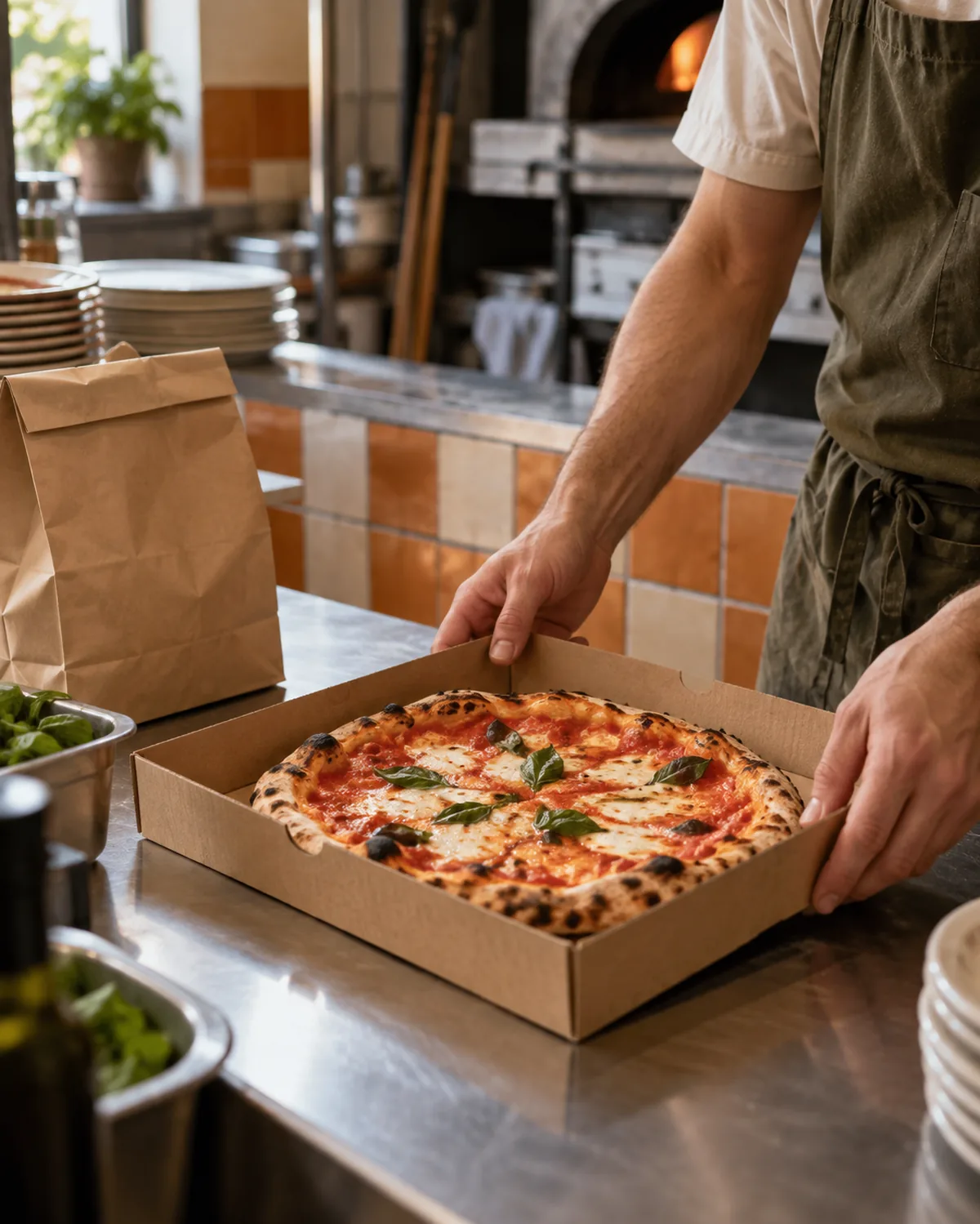
Ordered from you.
Keep your reach. Build your relationship.
Just Eat, Deliveroo and, where available, Uber Eats can remain part of your business. GastroGrowth adds your own ordering channel, with your menu, your name and your restaurant’s customer records.
See how the channels fit togetherMarketplaces
Another way for diners to discover you.
Your direct channel
A place for customers to return to your restaurant.
Your relationship
Order history that helps you recognise your regulars.
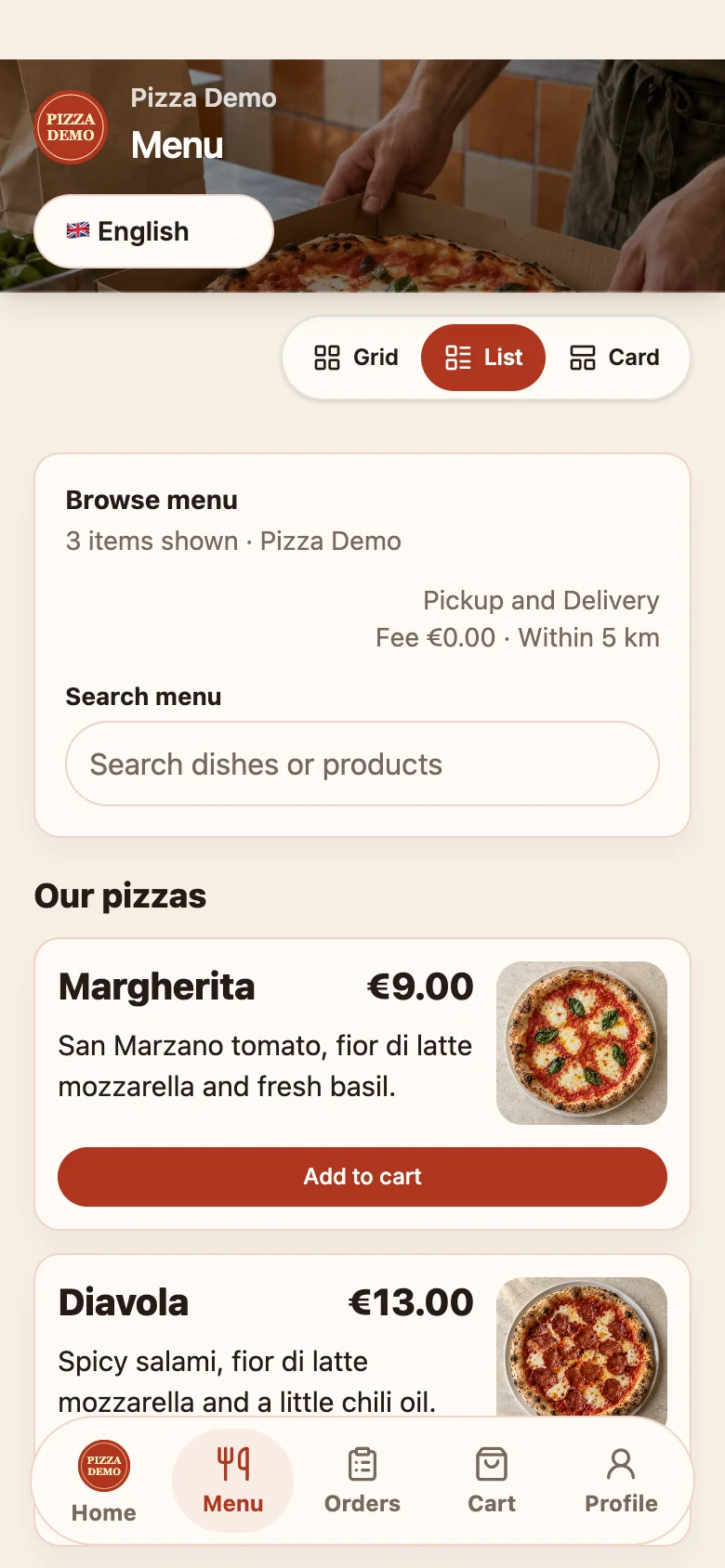
From “what’s for dinner?” to your kitchen.
A menu customers can explore, the choices they need, and a clear path to pickup or delivery. The order arrives in the same system your team uses to run service.
A menu with your name on it
Products, options, prices and availability managed by your restaurant.
Pickup or delivery
Let customers choose from the service options you offer.
Your restaurant. Their home screen.
Your name, your identity, your own customer app. Give regulars a place for your restaurant on their phone. We’ll walk through branding and launch in your demo.
An order today. A customer you recognise tomorrow.
See the relationship your restaurant has built: contact details customers share, their order history and their loyalty points. Useful context, in one customer record.
Know who comes back
See orders, last order and customer value for your restaurant.
Give them a reason to return
Configure loyalty points and coupon rewards for your direct channel.
Keep permission clear
Customer information and permission to send marketing are separate. Customers stay in control of what they share.
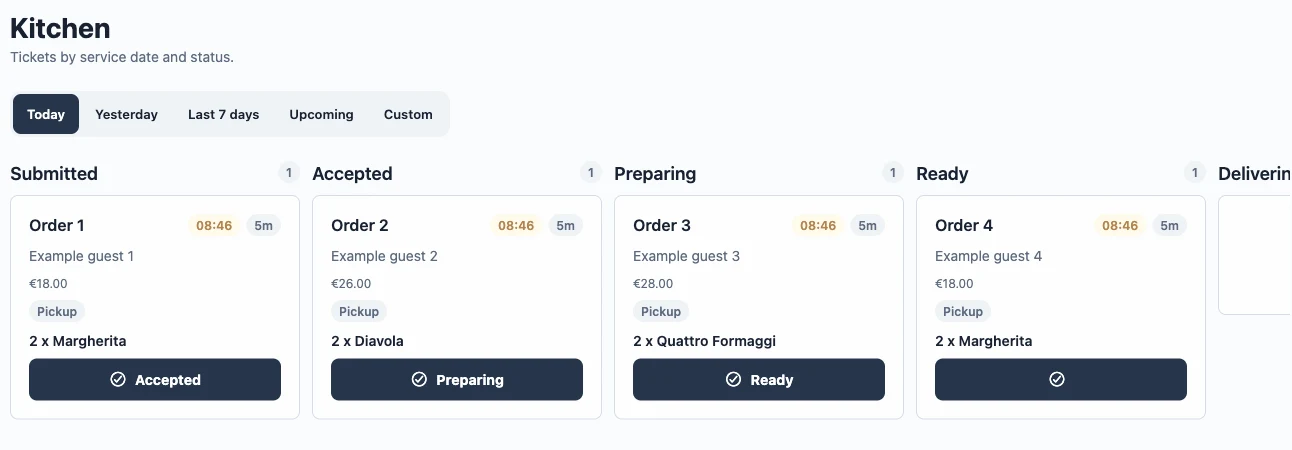
Good service doesn’t stop at checkout.
Follow the order from your incoming queue through kitchen preparation to collection or delivery. Your team works from the same order details.
Take the order
Review incoming orders and confirm their fulfilment time.
Keep the kitchen moving
Work through the preparation stages your restaurant uses.
Get it to the customer
Handle pickup or coordinate your own delivery operation.
Add a channel. Keep your rhythm.
Start with your current setup, then introduce direct ordering at a pace your team can handle.
- 01
Show us how you work
Your menu, locations, existing channels and delivery setup shape the conversation.
- 02
Set up your direct channel
Review the menu, service rules, customer journey and any payment or integration requirements.
- 03
Try it from both sides
Walk through an order as a customer and as your team before inviting regulars to use it.
More control starts with a clearer picture.
Know where direct orders come from, which dishes sell and who returns. Use your actual numbers to decide what to do next. Compare channels using the sales and customer patterns you can actually see.
Explore the platformFrom the restaurant playbook
All resourcesA few things you might be wondering.
Do I have to stop using delivery marketplaces?
No. GastroGrowth can sit alongside the marketplace channels you already use. Your direct channel is an additional place for customers to order. This does not imply an integration that imports marketplace orders.
What happens to my customer information?
Your restaurant can access its own customer records and order history in Manager. Guests control their private GastroGrowth account and what optional information they share. Marketing permission is separate from the information needed to fulfil an order.
Can I import or export a customer list?
You can add a Business-local contact, and the product has supported import and xMenu reconciliation workflows. A self-service bulk CSV migration or restaurant database export is not currently offered. We can review your migration requirements during a demo.
Can we use our own delivery drivers?
GastroGrowth includes restaurant delivery operations and a Driver app. Setup, device permissions and the supported workflow need to be checked with your team. GastroGrowth does not provide a courier fleet.
Does GastroGrowth send automated marketing campaigns?
Customer records, loyalty and coupons are part of the product. Campaign delivery and automation have separate readiness and permission requirements, so they are not included as a generally available promise on this website.
How much does it cost?
Request a quote based on your locations, setup and required capabilities. We will distinguish platform and setup costs from payment processing, delivery and optional services. Published commercial rates are not available yet.